
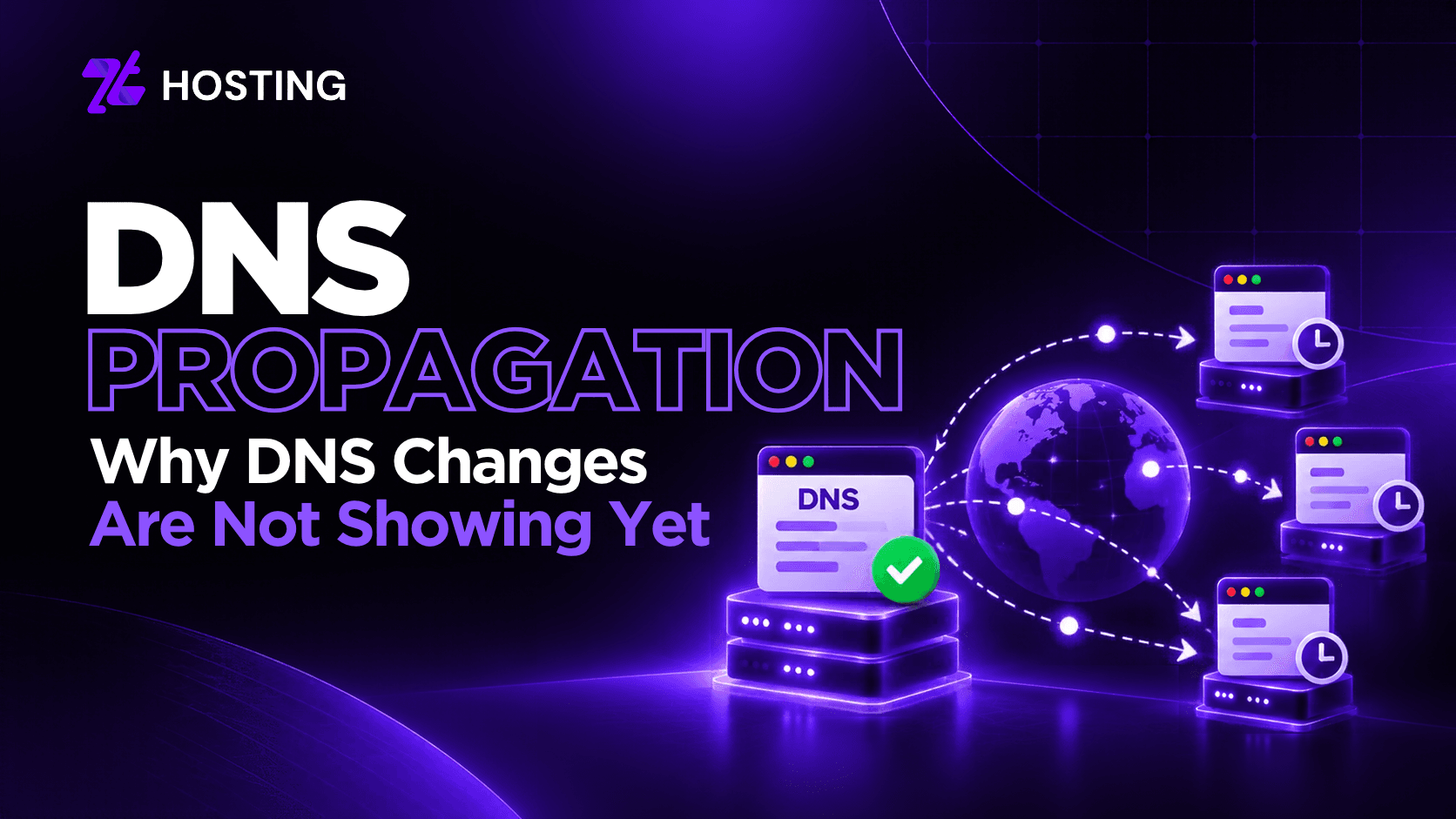
DNS Propagation: How Long Does It Take and Why Are DNS Changes Not Showing Yet?
DNS Propagation is the time that elapses from the moment when a DNS resolver starts using the new DNS information following your update or transfer of nameservers. The update may have already been made by the authoritative DNS service provider, but other users are receiving their answers from cache.
This is why one person sees the site on the new server while another sees it on the old server. DNS updates do not take the same amount of time all the time. It varies depending on caching and the previous TTL and the kind of DNS update.
What Is DNS Propagation?
DNS provides the link between domain names and their associated service like websites and email addresses. If you make any modification in A, AAAA, CNAME, MX or any other DNS record then authoritative DNS will start resolving your record but the DNS cache of the recursive resolver that is employed by your ISP or any public DNS provider might still contain the old data.
These cached responses may continue to be used until they get refreshed which is called DNS propagation. It is not always a scenario where one DNS system starts propagating your record all around the world. In most of the cases, people may face different results due to different cache expiration times.
How Long Does DNS Propagation Take?
There is no universal DNS propagation time. Sometimes the DNS may propagate fast, but at other times it can take longer for the change to propagate. The most crucial thing in this context is usually the TTL of the record prior to the DNS change.
If a DNS resolver had cached the record when the TTL was still valid, it will continue providing that value from cache until the maximum duration for which it can keep the record is expired.
Cloudflare’s TTL documentation explains that TTL controls how long DNS records may be cached and therefore affects how quickly updates can reach users. Nameserver changes can behave differently from editing one record because delegation and nameserver information may also be cached.
What Does TTL Mean in DNS?
TTL, or Time to Live, tells recursive resolvers how long they may cache a DNS record before checking again. A larger TTL can increase the efficiency of the cache, whereas smaller TTLs can aid in making the upcoming change visible.
When you decrease the TTL just before updating your DNS record, it will not delete any copy from the cache with the old TTL. However, in a migration process, lowering the TTL can be beneficial as long as there is enough time for the previous TTL to expire.
Why Are My DNS Changes Not Showing?
If your DNS changes are not showing, do not assume propagation is the only cause.
Several configuration problems can look like a propagation delay.
1. The Old Record Is Still Cached
A recursive resolver, operating system or local network may still have the previous DNS answer cached, while another network already sees the new value.
2. You Edited the Wrong DNS Zone
This is common after nameserver changes. If the domain uses Provider B’s nameservers but you edit records inside Provider A’s panel, the change may have no effect on the authoritative DNS zone. Always confirm which nameservers currently control the domain.
3. The Record Is Incorrect
A typo, wrong hostname, incorrect IP address or conflicting record can prevent the expected result. Propagation cannot fix a DNS configuration error.
4. The New DNS Zone Is Incomplete
When moving DNS to another provider, the new zone needs the records required by the website and other services. If only the main website record is recreated, email, subdomains or third-party services may fail even though the homepage loads.
5. Local Caching Is Misleading You
Your own device or network may still use an older DNS result. Checking through another resolver or an independent DNS lookup can help determine whether the problem is local or authoritative.
5. Local Caching Is Misleading You
Your own device or network may still use an older DNS result. Checking through another resolver or an independent DNS lookup can help determine whether the problem is local or authoritative.
Why Does One User See the Old Server and Another See the New One?
Not all recursive resolvers will refresh the same cached DNS records simultaneously. One resolver could have cached an outdated record just before it was changed, while the other will query the authoritative nameserver after the change and get the new record.
In this way, users can get different responses during this time. This is especially clear during a website migration. When migrating your site from one host to another, you should refer to ZTHosting’s website migration guide.
How Can You Check DNS Propagation?
Use more than your browser to verify whether a DNS change is working.
Confirm the Authoritative Nameservers
First and foremost, check which nameservers currently control the domain. If they are not the nameservers you expected, changing records at another DNS provider will not solve the problem.
Check the Record You Changed
Query the relevant DNS record:
- A or AAAA for server addresses
- CNAME for aliases
- MX for mail routing
- TXT for verification or authentication
- NS for nameserver delegation
Do not treat a working homepage as proof that every DNS record is correct.
Compare Multiple DNS Resolvers
If different resolvers return different values, caching may still be involved. If all resolvers return the same incorrect value, recheck the authoritative DNS zone instead of simply waiting longer.
Verify the Destination
For A or AAAA changes, confirm that the returned IP address is actually the intended server. A DNS record can update successfully and still point to the wrong destination.
Can You Speed Up DNS Propagation?
It is impossible to instantly delete a good DNS cache response from every resolver across the internet. But it is possible to simplify the planning process for future DNS modifications. Before the migration:
- Check the current DNS zone.
- Establish which DNS entries will be changed.
- Determine the TTL value of these entries.
- If necessary, decrease the TTL long enough beforehand.
- Create a new DNS zone before the switch of nameservers.
- Ensure that the old service is available during the transition when possible.
- Test new entries on several resolvers.
Do not constantly decrease the TTL after modification and hope to clear all old caches instantly. A resolver, which has saved the previous entry, will act according to its TTL value while caching it.
DNS Propagation vs a DNS Configuration Problem
Among the most effective steps of troubleshooting is the ability to identify whether you have to wait for cache expiration or if there is a problem with configuration.
There are a few signs of DNS propagation that include:
- Correct authoritative DNS data.
- Partial return of new values by some resolvers.
- Return of old values by other resolvers.
There are also several signs of configuration issue that include:
- Incorrect authoritative nameservers.
- Absence of the DNS record in the active DNS zone.
- Incorrect new values.
- Unintentional external check results.
Conclusion
In summary, it is better to view DNS propagation as a caching and DNS resolution problem and not as a global count-down timer. First, ensure the authoritative settings are correct after modifying the DNS records or nameservers. Next, evaluate from various resolvers and the old TTL to understand why some users get the old values.
If every external test returns the wrong results, then it will be wise to look at the DNS settings. In case you own or manage domains through ZTHosting, you can check ZTHosting Domain Registration to know the current domain availability and organize your domain and DNS management through a well-controlled account.
The objective is not only to have DNS propagate faster but also to properly plan changes and understand caching and authoritative DNS settings among others.
Frequently Asked Questions
1. What is DNS propagation?
DNS propagation is the commonly used term for the transition after a DNS change, when different resolvers may temporarily return old and new cached answers.
2. How long does DNS propagation take?
There is no guaranteed duration. It depends on the previous TTL, resolver caching, the record type and whether nameserver delegation is involved.
3. Why are my DNS changes not showing?
The previous record may still be cached, or you may have edited the wrong DNS zone, entered an incorrect value or changed nameservers without recreating required records.
4. Does clearing my browser cache fix DNS propagation?
Not necessarily. DNS can be cached at several levels, including the operating system, local network and recursive resolver.
5. Can I force DNS to propagate instantly?
No. You cannot force every external resolver to immediately discard a valid cached record. Good TTL planning before a scheduled DNS change can reduce the transition period.