
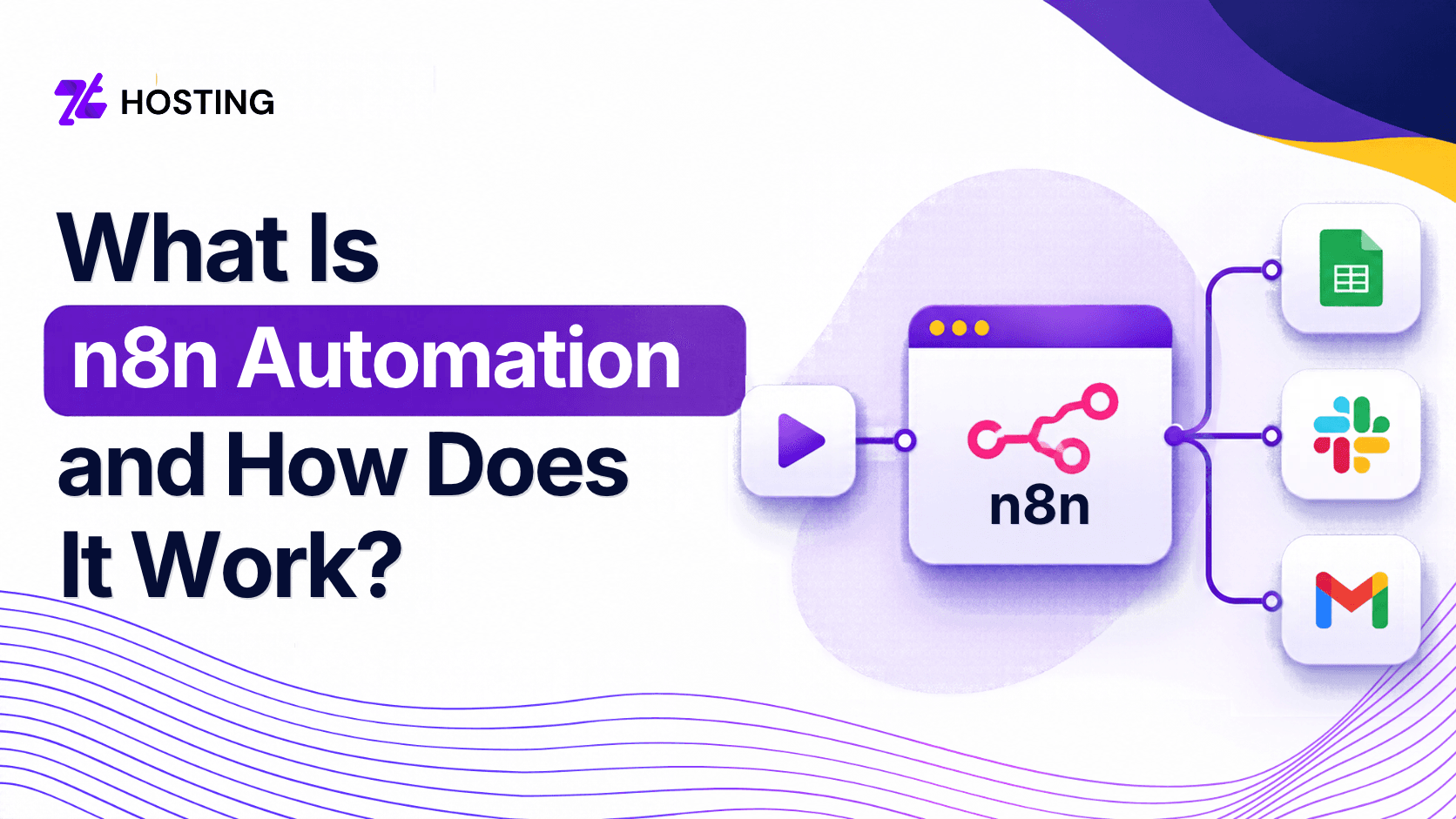
What Is n8n Automation and How Does It Work?
Running a business often involves repetitive tasks. From responding to customer inquiries and updating spreadsheets to sending reminders and preparing reports, these activities can take up a significant part of your working day.
This is where n8n automation becomes useful. It allows you to connect different applications, exchange information between them, and automate everyday processes without writing extensive code.
Whether you run a small business, manage an online store, or work as a developer, n8n offers a flexible way to reduce manual work.
But how does it work, and what does it take to build an automation that continues running reliably?
What Is n8n Automation?
n8n automation is a workflow automation solution that connects applications, APIs, databases, and AI models to perform tasks automatically. It provides a visual interface where users can build workflows using connected components called nodes.
Businesses and developers can use n8n to simplify repetitive processes and exchange information between different services. N8n can be pronounced as “n-eight-n.” The system allows for both visual workflow creation and custom coding.
Contrary to the automation solutions working only through cloud-based subscriptions, n8n allows for self-hosting of the software. Users can install the tool in their own infrastructure and manage their environment. This gives businesses extra freedom when deciding how and where to run their workflows.
How Does n8n Automation Work?
n8n usually works by connecting nodes in an automated workflow which represent several steps. A trigger starts the process, while subsequent nodes collect information, apply conditions, transform data, or perform specific actions. Once a workflow becomes active, n8n can execute it whenever the configured trigger conditions occur.
Imagine a customer submitting an inquiry from your website.
Instead of manually copying their details into a spreadsheet and notifying your sales team, n8n can handle these steps automatically.
Three main components make this possible:
- Triggers: Start a workflow when a specific event occurs, such as a form submission or scheduled time.
- Action nodes: Perform tasks such as sending emails, updating records, or retrieving information.
- Workflow logic: Determines what happens next based on conditions, rules, and available data.
Users connect these components through a visual editor, creating a sequence that matches their business requirements.
What Are the Main Features of n8n?
To begin with, n8n combines visual workflow building, application integrations, custom code, conditional logic, and AI capabilities within a single automation platform.
Its flexibility allows beginners to create straightforward workflows while giving experienced developers more control over complex processes, data transformations, and connections to external services.
Visual Workflow Builder
The visual editor allows users to connect nodes and understand how information moves between different applications. This makes building, testing, and modifying workflows easier.
Application and API Integrations
n8n connects with services such as Google Sheets, Slack, Gmail, and various databases. Its HTTP Request node also lets users interact with compatible APIs when a dedicated integration doesn’t exist.
Conditional Logic
Workflows can follow different paths depending on specific conditions. For example, an automation can prioritize urgent customer inquiries while sending general questions through a separate process.
Custom Code
Developers can use code within workflows to handle advanced data transformations and business requirements that standard nodes cannot easily address.
Scheduled Automation
Users can schedule workflows to run at particular times, making n8n useful for recurring reports, reminders, and data synchronization.
Real-World Examples of n8n Automation
A business can use n8n for functions such as customer management, marketing, reports, e-commerce functions, and internal communication.
However, some of the most effective workflow processes include those that link recurring actions based on predictable guidelines. Beginning with a basic process within the business is key to grasping automation.
Automating Customer Inquiries
Consider a small business that receives customer inquiries through its website.
An n8n workflow could follow these steps to reduce manual data entry and help the business respond more consistently.
- Receive customer details through a webhook connected to the website form.
- Check whether the customer already exists in the database.
- Create or update the customer record.
- Notify the sales team about the inquiry.
- Send an acknowledgment email and schedule a follow-up reminder.
E-Commerce Automation
Online stores can connect order information with inventory systems, customer notifications, and internal reporting tools. For example, a new order could trigger an inventory update and notify the relevant department.
Automated Business Reporting
Businesses can collect information from spreadsheets, databases, and supported analytics platforms. A scheduled workflow can then prepare a daily or weekly summary and deliver it to the appropriate team.
How Do AI Agents Work in n8n?
Moreover, n8n supports AI agents that combine language models with connected tools to complete tasks inside automated workflows.
So, unlike workflows that follow predefined rules exclusively, AI agents can interpret instructions and select available tools based on the request. Users still need to define permissions, boundaries, and appropriate review procedures.
For example, a customer support workflow could use an AI model to categorize incoming messages. The workflow could then direct billing questions to one department and technical inquiries to another.
AI can also support document summarization, information extraction, and personalized response generation.
However, not every automation needs artificial intelligence. Conventional rules often work better for predictable tasks, such as checking whether an invoice payment has arrived. Use AI where interpretation adds value, and require human approval before sensitive or consequential actions.
What Happens When an n8n Workflow Fails?
An n8n workflow can break down due to reasons such as expired credentials, unavailability of APIs, erroneous data, networking issues, and shortage of server capacity. There is the option for users to look at the execution history, set up error workflows, and retry failed tasks.
Consider the customer inquiry example.
What happens if the spreadsheet service becomes temporarily unavailable?
Without proper error handling, the business might miss a potential customer or create incomplete records.
To improve workflow reliability:
- Configure error notifications for failed executions.
- Validate incoming information before processing it.
- Use appropriate retry settings for temporary connection problems.
- Check for duplicate records before repeating failed operations.
- Monitor execution history and application resources regularly.
A successful automation should handle unexpected situations, not just perform correctly under ideal conditions.
n8n Cloud vs Self-Hosted n8n
n8n Cloud provides a hosted environment where n8n manages the underlying platform infrastructure.
Self-hosted n8n allows users to install and operate the software on their own server. The main differences involve infrastructure control, technical responsibilities, available features, operating costs, and maintenance requirements.
n8n Cloud may suit beginners and teams that prefer not to manage servers or application infrastructure. On the other hand, self-hosting offers greater control over application configuration, storage, networking, and deployment.
But, users must manage application updates, backups, security, and performance unless their service provider explicitly covers these responsibilities. Self-hosting also doesn’t guarantee complete data privacy. Connected AI providers and external applications may still process information outside your server.
If you’re unsure how to estimate server capacity, our guide on how much RAM and CPU a VPS needs explains the factors that influence resource selection.
Can You Host n8n on a VPS?
Yes, you can self-host n8n on a virtual private server (VPS) that supports its software requirements. A VPS provides an independent environment for running scheduled workflows, receiving webhooks, and connecting applications without keeping a personal computer switched on.
Resource requirements depend on workflow complexity, execution frequency, and concurrent activity. Docker Compose offers a practical deployment method for users with server administration experience.
Before deploying n8n, consider the following:
- CPU and RAM for workflow execution.
- Persistent storage for application data and execution records.
- HTTPS and secure access to the n8n interface.
- Database backups and encryption key protection.
- Regular software updates and resource monitoring.
You can consult the official n8n documentation for current installation and configuration guidance.
For businesses planning continuous automation, ZTHosting’s managed VPS hosting offers allocated virtual resources, root access, and underlying server management.
Confirm Docker compatibility and application-level support with the hosting team before purchasing.
How Much Does n8n Automation Cost?
n8n automation costs depend on your chosen edition, hosting environment, workflow execution volume, and connected services.
Its paid plans use execution-based pricing, while eligible users can self-host the Community Edition without software subscription fees. Server hosting, premium features, external APIs, and ongoing maintenance may introduce additional expenses.
n8n follows a fair-code licensing model rather than a conventional open-source license. Its licensing terms place restrictions on certain commercial uses.
Before selecting an option, estimate how frequently your workflows will run, which services they require, and how much technical maintenance your team can manage. The lowest subscription price doesn’t necessarily represent the lowest overall operating cost.
Conclusion
To conclude this discussion, n8n automation helps businesses and individuals connect applications, simplify repetitive tasks, and build practical workflows using visual tools, APIs, and AI integrations.
While n8n Cloud reduces infrastructure responsibilities, self-hosting on a VPS offers greater control over the automation environment. Start with a straightforward workflow, plan for errors, and choose a hosting solution that matches your workload, budget, and technical requirements.
FAQs
-
What is n8n automation?
An n8n automation is a digital workflow built using n8n, a workflow automation and orchestration platform.
-
Can we use n8n for free?
Yes, you can use n8n for free. How you do it depends on whether you use their cloud service or host the software yourself.
-
Is n8n based on AI?
n8n is not a standalone AI model (like ChatGPT or Claude). Instead, it is a workflow automation platform with powerful built-in AI and agent-building capabilities.
-
Does n8n require coding?
No it does not require it for standard workflows. It is designed as a visual, low-code/no-code automation platform where you connect apps, APIs, and services using a drag-and-drop node-based interface.
-
How much does n8n cost per month?
n8n pricing is based primarily on workflow executions each complete, start-to-finish run of a workflow counts as one execution, regardless of how many steps or nodes it contains rather than per-user or per-step limits.