
Why Can’t I Transfer My Domain? 60 Day Locks, Auth Codes & Transfer Status Explained
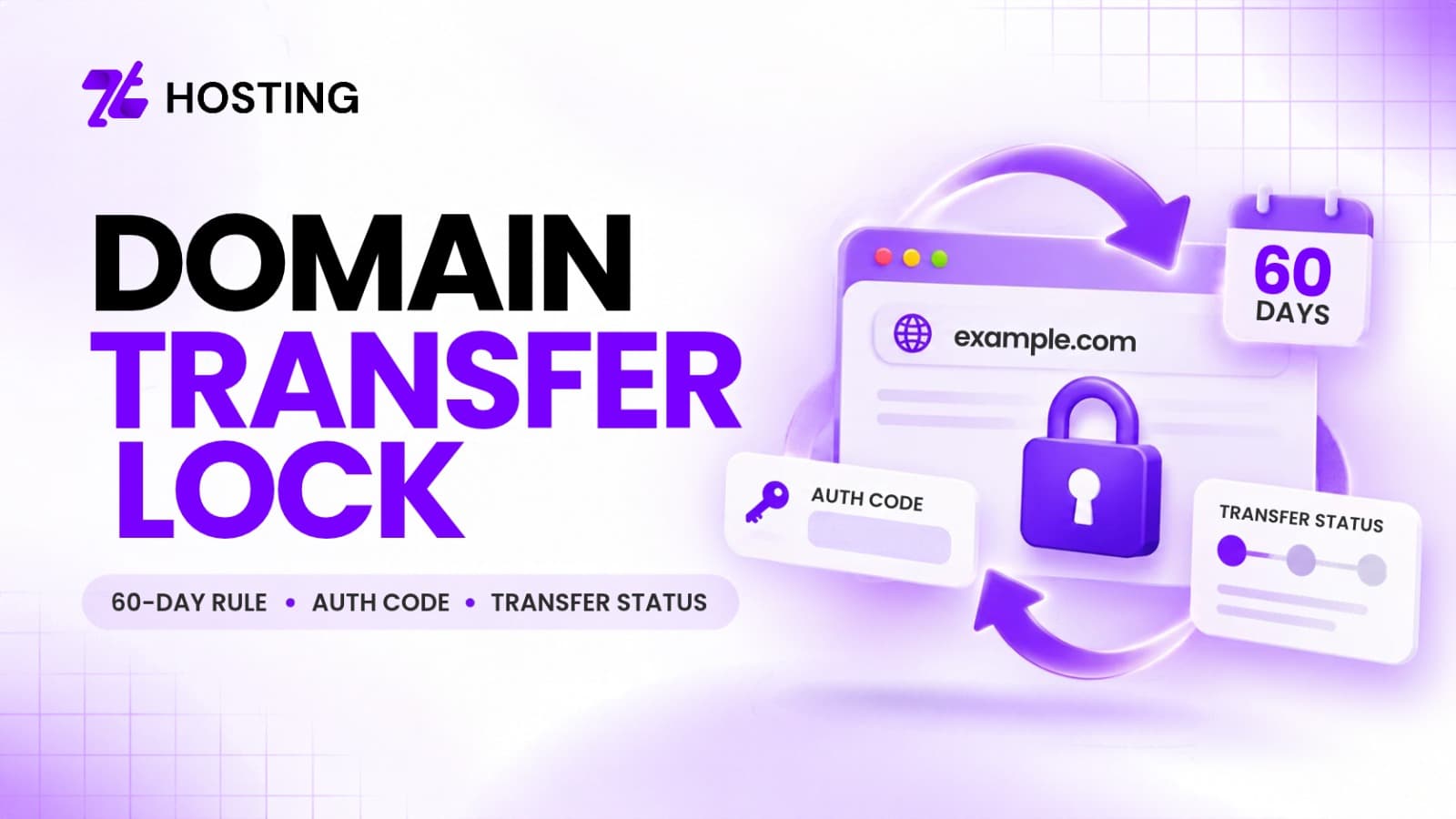
A domain transfer lock is one of the most common reasons why a domain cannot be moved from one registrar to another. Often in some cases, the domain may be within a required waiting period, locked at the registrar level, missing the correct authorization code or showing a status that prevents transfer. If you cannot transfer domain ownership to another registrar, the first step is to identify exactly what is blocking the request rather than repeatedly attempting the transfer.
For many generic top-level domains, or gTLDs, ICANN transfer rules provide the framework registrars follow. However, not every domain extension follows identical rules, so requirements can differ depending on the registry and TLD involved. This guide will explain the 60 day domain transfer lock, Auth Codes, EPP terminology, transfer statuses and the checks you should perform before trying the transfer again.
Why Is My Domain Transfer Locked?
There may be numerous reasons why a domain gets locked. Sometimes the restriction is temporary and connected to the age or recent transfer history of the domain. In other situations, the registrar may have placed a transfer lock on the domain for security purposes.
Under ICANN’s transfer framework for applicable gTLDs, certain transfer restrictions can apply after initial registration, after a recent registrar transfer or after specific changes to registrant information. This means that seeing a domain locked transfer status does not automatically indicate that something is wrong with the registrar. You first need to determine which restriction applies to your particular domain.
Before doing anything else, you must check:
- When the domain was initially registered
- Whether it was recently transferred between registrars
- Whether the registrant information was recently changed
- Whether the registrar lock is currently enabled
- Whether the required Auth Code is available
- Whether the domain displays a transfer-prohibited status
These checks can usually narrow down the reason the transfer is not progressing.
What Is the 60-Day Domain Transfer Lock?
A 60 day domain transfer lock generally refers to a period during which an inter-registrar transfer may be restricted under applicable transfer rules or registrar policies. One situation may occur shortly after the initial registration of a domain. Another may occur after the domain has recently been transferred from one registrar to another.
A separate restriction may also be associated with a change of registrant lock, depending on the situation and the registrar’s implementation of the applicable policy. Because there are several possible 60-day situations, it is important not to treat every transfer lock as exactly the same.
For example, someone who registered a new domain recently may face a different restriction from someone who changed the registrant’s contact details. ICANN provides guidance for registrants regarding transfer restrictions and the conditions that can affect when a domain can be moved. Also remember that ICANN’s transfer rules primarily apply to the gTLDs covered by its policies. Country-code domains and other extensions may follow different registry-specific requirements.
Can I Transfer a Domain Immediately After Registration?
No, not always.
For applicable domain extensions, a recently registered domain may be subject to a transfer restriction during its initial registration period. This is why purchasing a domain and then immediately trying to move it to another registrar may result in the transfer being denied or delayed. If you purchased the domain recently, check the registration date before troubleshooting more complicated issues.
It is also important to distinguish domain registration from domain transfer. Registration means obtaining and maintaining the right to use a particular domain through a registrar. A transfer means moving the management of an already registered domain from one registrar to another.
If you are looking to register a new domain rather than move to an existing one, you can review ZTHosting’s Domain Registration instead.
What Is an Auth Code or EPP Code?
An Auth Code is a security credential used during many domain transfers to confirm that the person requesting the transfer is authorized to do so.
You may also see it called as:
- Auth Code
- Authorization Code
- AuthInfo Code
- EPP Code
- Transfer Code
The exact terminology can vary between registrars. A domain transfer Auth Code is normally obtained from the current registrar before starting the transfer process. Similarly, an EPP code transfer requires the correct authorization code to be entered during the transfer request when the domain and registrar require one.
If the code is missing, incorrect or no longer valid, the transfer may not proceed successfully. ICANN provides information about AuthInfo codes and their role in domain transfers. For security reasons, the code should be treated as sensitive information and only provided through the legitimate transfer process.
What Does a Transfer Prohibited Status Mean?
Another reason a transfer may fail is the domain’s current status. A transfer prohibited status generally indicates that the domain is currently prevented from being transferred between registrars.
This may be associated with a registrar lock or another applicable restriction. If you see a transfer-prohibited status, do not immediately keep submitting transfer requests. Instead, check the domain’s current settings at the existing registrar and determine whether the lock can legitimately be removed.
Where applicable, the registrar should provide a method for managing or requesting removal of the transfer lock. However, unlocking the domain does not override other restrictions. For example, removing a registrar-level lock would not necessarily remove a separate waiting-period restriction that still applies. That is why the status of the domain and the reason for the restriction should always be checked separately.
Can Changing Registrant Details Trigger a Transfer Lock?
It can in some circumstances. A change to the registered holder’s information may trigger a change of registrant lock under the applicable policy and registrar process. This is particularly important if you plan to update ownership or contact details shortly before transferring the domain.
So, before changing registrant information, check your registrar’s transfer requirements and determine whether the change could affect transfer eligibility. This helps prevent a situation where the domain information is updated first and the user only discovers afterward that the planned registrar transfer can no longer proceed immediately.
Again, the exact implementation may depend on the TLD and registrar, so one rule should not be applied blindly to every domain extension.
What Should You Check Before Retrying a Domain Transfer?
If a transfer has failed, avoid simply submitting the same request repeatedly. Instead, work through a simple troubleshooting checklist.
First, verify the domain’s registration and transfer dates. If the domain was registered or transferred recently, determine whether a waiting-period restriction applies. Next, inspect the current transfer status and confirm that any removable registrar lock has been disabled where appropriate. Then check whether you have the correct Auth Code or EPP code from the current registrar.
You should also verify that the registrant information is accurate and determine whether any recent ownership or contact change has created an additional restriction.
Finally, confirm that the specific domain extension follows the same rules you are using for troubleshooting. Requirements for some country-code domains can differ from the standard ICANN gTLD process.
A good troubleshooting order may be:
Check eligibility → identify the lock or status → obtain the correct Auth Code → verify registrant information → confirm TLD-specific requirements → retry the transfer.
Thus if your domain is eligible and you are ready to start the process, you can check your domain through ZTHosting Domain Transfer
Does Transferring a Domain Move My Website or Email?
A registrar transfer and a website migration are different processes. Moving a domain between registrars does not automatically mean that the website files, hosting account or email service are being moved to a new provider.
The domain’s DNS configuration and nameservers determine where services such as the website and email are directed. Because of this, it is important to verify your current nameservers and DNS configuration during the transfer process and avoid making unrelated DNS changes unless they are actually required.
Therefore a domain transfer should be planned separately from a website or email migration.
Conclusion
Overall, if you cannot transfer a domain, the problem may be related to a domain transfer lock, a 60-day restriction, an unavailable Auth Code, a transfer-prohibited status or a recent change to registrant information. The correct solution depends on the actual reason the transfer is being blocked.
Before retrying, check the registration and transfer history, domain status, registrar lock, authorization code and any TLD-specific requirements. Do not assume that every extension follows exactly the same transfer rules.
Once the domain is eligible and the required restrictions have been cleared, the transfer process can be attempted again through the appropriate registrar.
FAQs
1. Why is my domain transfer locked for 60 days?
A domain may be subject to a 60-day transfer restriction after certain events such as initial registration, a recent registrar transfer or particular registrant changes. The exact restriction depends on the domain extension and applicable registrar or registry rules.
2. Can I transfer a domain immediately after registration?
Not always. Some applicable domains may be restricted from inter-registrar transfer during the initial period after registration. Check the registration date and the rules for your specific TLD before starting the transfer.
3. What is an EPP or Auth Code?
An EPP or Auth Code is an authorization credential used by many registrars to verify a domain transfer request. It is usually obtained from the current registrar and supplied when initiating the transfer with the new registrar.
4. Does transferring a domain move my website or email?
No. A registrar transfer is separate from moving website files or email hosting. Website and email services depend on hosting and DNS configuration, so those settings should be checked separately during the transfer process.